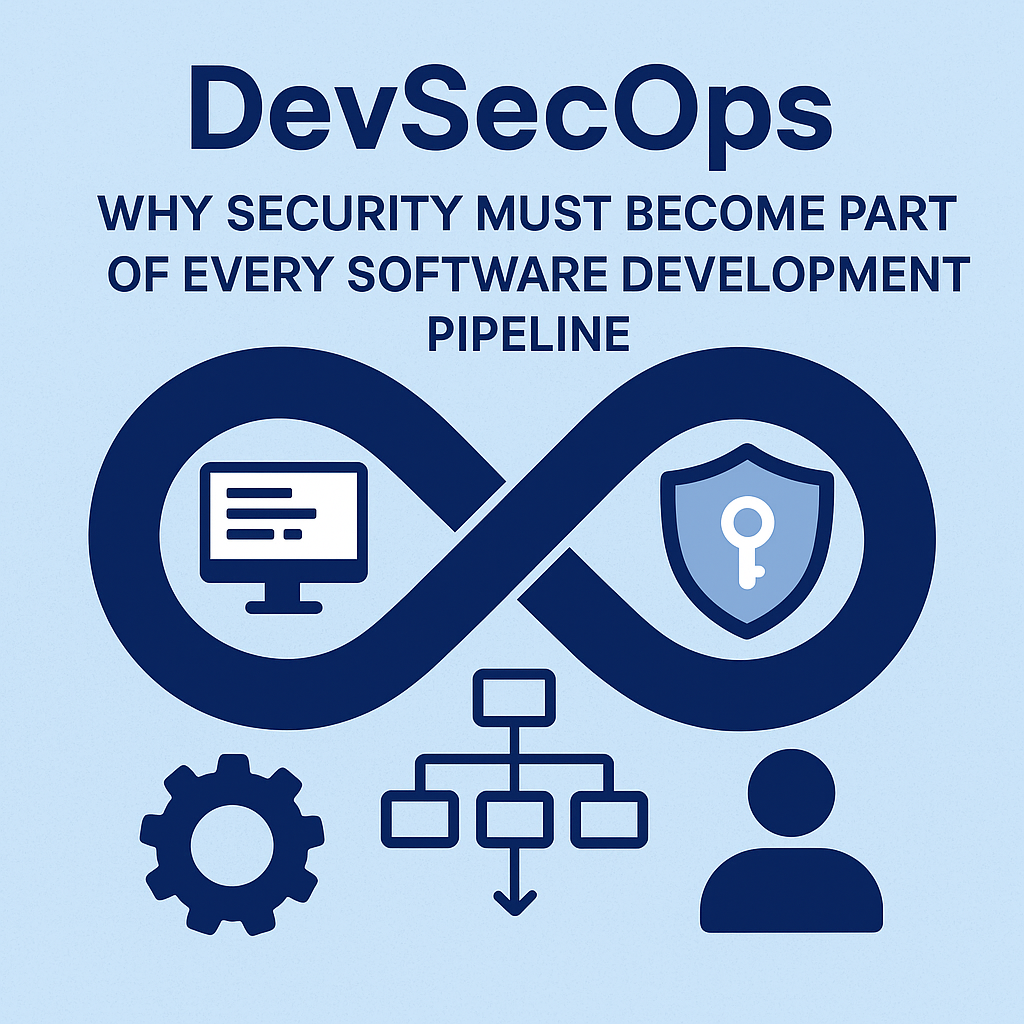
DevSecOps: Why Security Must Become Part of Every Software Development Pipeline
Software security used to be a “late-stage” concern—something teams addressed after the code was written, tests were complete, and the release was almost ready. That model doesn’t work anymore. Modern applications ship continuously, dependencies change daily, cloud environments expand rapidly, and attackers automate at machine speed. In this new reality, waiting until the end to “bolt on” security is like installing smoke alarms after your building is already on fire.That’s why DevSecOps matters. DevSecOps isn’t just a buzzword; it’s a practical approach that integrates security into every step of the software development lifecycle. Instead of treating security as a separate department or a final gate, DevSecOps makes security a shared responsibility across developers, operations, and security teams—embedded into the tools, processes, and automation that drive delivery.In this guide, we’ll explore what DevSecOps really means, why security must be part of every pipeline, and how teams can implement it effectively—without slowing down innovation. You’ll also learn about common security practices, typical tools and automation techniques, and how to build a culture where security is everyone’s job.
What Is DevSecOps (and How It Differs From DevOps)?
DevOps focuses on improving collaboration and automation between development and operations teams to deliver software faster and more reliably. DevSecOps adds security to that equation.In traditional DevOps setups, the pipeline might look like this:Code → Build → Test → DeployIn DevSecOps, security becomes part of the pipeline:Code → Secure Code Checks → Build with Policy → Test for Vulnerabilities → Deploy with Guardrails → Monitor & RespondThe key difference is where security happens. DevSecOps doesn’t treat security as a final review step; it makes security checks continuous and automatic.
Why Security Must Become Part of Every Software Development Pipeline
1) Vulnerabilities Get Cheaper to Fix Early
Most organizations learn the hard way that fixing security issues late is expensive. A flaw found during development might require a small code change. A flaw found after deployment might require emergency patches, rollback plans, customer communication, and incident response.By integrating security early—during coding, building, and testing—you reduce cost and risk. DevSecOps shifts detection left, enabling teams to address problems when they’re easiest and least disruptive to fix.
2) Attackers Are Fast, Automated, and Persistent
Modern attackers don’t wait for your release cycle. They scan for known vulnerabilities, exploit misconfigurations, and chain together multiple weaknesses. Meanwhile, software supply chains—libraries, containers, and dependencies—introduce new risks continuously.If your pipeline lacks automated security checks, vulnerabilities can slip in unnoticed. DevSecOps creates friction against unsafe changes by catching issues before they reach production.
3) Compliance Is Easier When Security Is Built-In
Many industries must comply with standards and regulations (e.g., SOC 2, ISO 27001, PCI DSS, HIPAA, GDPR, and sector-specific rules). Compliance is much easier when security evidence is generated automatically throughout the pipeline.DevSecOps enables repeatable, auditable processes: policy checks, scanning results, logging, and change histories can be stored and reviewed. Instead of scrambling during audits, you’re consistently producing security artifacts.
4) Consistency Reduces Human Error
Manual security reviews are valuable—but they don’t scale well. Human reviewers can miss subtle issues, and reviews depend on timing, context, and capacity.Automation ensures consistent checks for every commit and every release. When security gates are embedded into CI/CD, your pipeline applies the same standards across teams and time.
5) Security Improves Overall Software Quality
Security and quality are not opposites. Good security practices often improve code maintainability, reliability, and performance. For instance, reducing vulnerabilities typically means improving error handling, input validation, dependency hygiene, and configuration discipline—benefits that also reduce bugs.DevSecOps encourages “secure by design” engineering, which often leads to cleaner and more robust systems.
Core Practices in DevSecOps
DevSecOps is not a single tool or a one-time transformation. It’s a set of practices that work together. Here are the most important ones:
Secure Coding Standards
Start with guidelines and patterns that developers can follow. Establish secure coding standards covering topics like authentication, authorization, input validation, encryption, and secrets handling. Provide reference implementations and reduce ambiguity with examples.
Static Application Security Testing (SAST)
SAST analyzes source code for security vulnerabilities without executing it. It’s ideal for catching common issues such as injection risks, unsafe function usage, and insecure patterns early in development.
Software Composition Analysis (SCA)
Dependencies are a major source of risk. SCA identifies known vulnerabilities in third-party libraries and tracks versions. It’s also essential for license compliance and governance.
Secret Scanning
Hardcoded credentials and API keys are a frequent cause of security incidents. Secret scanning prevents accidental leaks by detecting secrets in code, configuration files, and commit history.
Dependency and Container Scanning
If you use containers, scan the images for vulnerabilities in OS packages and libraries. Ensure your base images are maintained and minimal. For serverless or VM-based systems, apply similar checks for artifacts before deployment.
Dynamic Application Security Testing (DAST)
DAST tests the running application from the outside by simulating attacker behavior. It helps detect issues that appear only in runtime contexts—like broken authentication flows or insecure endpoints.
Infrastructure as Code (IaC) Security
Many teams manage infrastructure with Terraform, CloudFormation, or similar tools. IaC security scanning checks templates for misconfigurations—such as overly permissive access rules, missing encryption, or insecure network settings.
Policy-as-Code and Guardrails
Rather than relying on someone to “remember” security rules, encode them into the pipeline. For example: block builds when critical vulnerabilities are detected; require signed artifacts; enforce secure headers; validate IAM policies; and ensure encryption is enabled.
Security Logging and Monitoring
Security doesn’t stop at deployment. DevSecOps includes monitoring, alerting, and incident response readiness. Centralized logs, threat detection, and vulnerability remediation workflows are part of the lifecycle.
How DevSecOps Fits Into the CI/CD Pipeline
A good DevSecOps pipeline doesn’t just “add scans.” It streamlines security into predictable phases. Here’s an example workflow:
1) Pre-Commit and Developer Feedback
Developers should get security feedback as early as possible. Pre-commit hooks, IDE plugins, and lightweight checks can catch issues before code is even pushed.
2) Build-Time Checks (CI)
During CI, run SAST, SCA, and secret scanning. Enforce policy gates: for example, fail the build for high or critical vulnerabilities (with exceptions documented and time-limited).
3) Artifact Validation
Ensure that artifacts are consistent and trustworthy. Consider artifact signing, integrity verification, and provenance tracking. This helps protect against tampering and supports supply chain security.
4) Deployment-Time Guardrails (CD)
Use infrastructure validation and runtime configuration checks before deployment. Prevent risky changes by verifying permissions, network policies, and encryption settings.
5) Post-Deployment Monitoring
Run DAST in staging environments and monitor production for anomalies. Use vulnerability management workflows to track remediation and verify fixes.
Building a DevSecOps Culture (Not Just a Toolchain)
DevSecOps fails when security is treated as a policing function. To succeed, security must be collaborative.
Make Security a Shared Responsibility
Developers own secure implementation. Operators and platform teams own secure configurations and deployment practices. Security teams provide guidance, tooling, threat modeling, and training. Everyone contributes.
Reduce Friction With Smart Defaults
If security checks are too noisy or too slow, teams will bypass them. Tune thresholds, reduce false positives, and categorize findings. Start with “high confidence” alerts and gradually expand coverage.
Educate and Enable
Provide training on secure patterns, common vulnerability classes (OWASP Top 10), and how to remediate findings. When developers understand “why” and “how,” security becomes faster—not harder.
Create a Feedback Loop
Review results regularly with developers. Share metrics: how many vulnerabilities are found per stage, which types are recurring, and how quickly issues are remediated.
Common Challenges (and How to Overcome Them)
Challenge: Too Many False Positives
Overly broad scanning can overwhelm teams. Use vulnerability triage, severity tuning, code quality context, and suppressions that require justification and review. Prefer “actionable” findings over raw volume.
Challenge: Security Checks Slow Down Releases
Optimize pipeline performance. Use caching, incremental scans, and parallel job execution. Split checks by risk level: quick scans every commit, deeper scans nightly or before release.
Challenge: Teams Don’t Know Where to Start
Begin with foundational controls: secret scanning, SCA, basic policy gates, and secure defaults. Then expand into SAST, IaC scanning, container scanning, and DAST as maturity grows.
Challenge: Lack of Ownership
Assign clear responsibilities. Define who maintains security tooling, who approves exceptions, and how remediation tasks are prioritized. DevSecOps needs operational structure.
Measuring DevSecOps Success
To improve continuously, measure outcomes and process health. Helpful metrics include:• Time to detect vulnerabilities (how quickly scans find issues after commits)• Time to remediate (how quickly teams fix findings)• Vulnerabilities by severity (trend over time)• Scan coverage (what percentage of repos and pipelines include checks)• Deployment safety metrics (policy violations, blocked releases, rollback frequency)• Security incident metrics (number and severity of security events)Great DevSecOps isn’t just “more scanning.” It’s faster detection, fewer critical issues reaching production, and consistently safer releases.
What This Means for the Future
DevSecOps is becoming the baseline for secure software delivery. As technologies evolve—AI-assisted coding, new cloud services, serverless architectures, and more complex supply chains—security automation and policy-driven pipelines will become even more critical.In the coming years, the strongest organizations will be those that treat security as an always-on system rather than a periodic review. They’ll adopt secure-by-default tooling, enforce governance with code, and design workflows that make safe behavior the easiest behavior.
Conclusion: Security Belongs in the Pipeline
Security must become part of every software development pipeline because software is delivered continuously and threats are relentless. DevSecOps integrates security into the workflow so vulnerabilities are detected early, fixed quickly, and prevented from reaching production.When implemented well, DevSecOps doesn’t slow teams down—it speeds them up by reducing emergencies, preventing breaches, and improving overall software quality. Most importantly, it creates a culture where developers and operations collaborate with security to build systems that stand up to real-world attacks.If you’re starting your DevSecOps journey, focus on the essentials: secret scanning, dependency and container scanning, secure coding guidance, and policy gates. Then iterate. Security maturity grows over time—and the earlier you embed security into the pipeline, the more resilient your software becomes.Your next release should be safer by default. That’s what DevSecOps delivers.