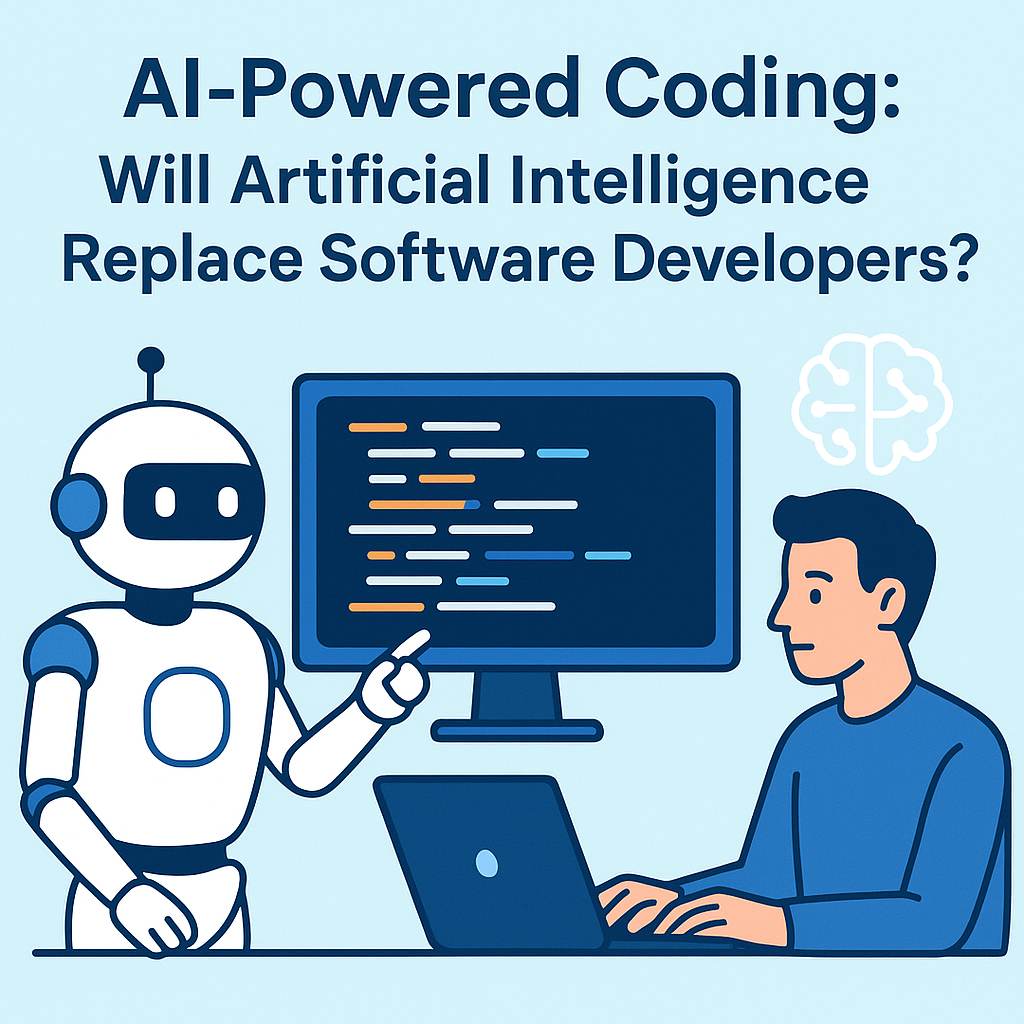
AI-Powered Coding: Will Artificial Intelligence Replace Software Developers?
Artificial intelligence is no longer a futuristic concept—it’s already changing the way we write software. From autocomplete features and code generation tools to AI copilots that can explain, refactor, and debug, AI-powered coding has moved from novelty to everyday productivity. This shift raises an important question: Will artificial intelligence replace software developers?The honest answer is: AI will change software development dramatically, but it’s unlikely to fully replace software developers in the near future. However, the role of developers is evolving fast. Understanding how AI fits into the software lifecycle—what it can do well, where it fails, and how to work with it—will help you stay relevant, productive, and in-demand.
Why AI Is Suddenly “Everywhere” in Coding
AI’s impact on coding didn’t happen overnight. A few major trends converged:1) Better language models
Modern AI systems trained on massive amounts of code can infer patterns in syntax, structure, and even intent. They’re good at producing likely next tokens—meaning they can generate plausible code quickly.2) Copilot-style assistance
Instead of telling you to “learn to code differently,” AI tools embed themselves into developer workflows. They suggest completions, generate functions, draft tests, and propose refactors.3) Code search and reasoning
AI tools increasingly combine natural language queries with code context. You can ask, “Where is user authentication handled?” and get answers backed by repository patterns.4) Automation of repetitive tasks
Much of software development involves routine work: writing boilerplate, formatting code, adding validations, generating tests, and updating documentation. AI is particularly good at these tasks.So yes—AI-powered coding is real. But it’s not magic. It’s a powerful assistant with limitations.
What AI Can Do Today (And Do Well)
To understand whether AI will replace developers, we need to start with what AI currently performs best. In practice, AI excels at accelerating tasks that have recognizable patterns and clear inputs/outputs.
1) Code generation and scaffolding
AI can generate:• Basic CRUD endpoints
• UI component scaffolds (React/Vue/etc.)
• API client stubs
• Database schema starters
• Configuration templatesThis can drastically reduce “blank file time.” Developers still need to adapt the generated code to the project’s standards, security needs, and edge cases.
2) Refactoring and modernization
AI can suggest refactors like:• Converting repetitive code into reusable functions
• Migrating older APIs to newer ones
• Improving variable names and readability
• Suggesting more maintainable design patternsStill, refactoring isn’t just about style—it’s about correctness. Developers verify that changes don’t break behavior.
3) Debugging support
AI can help identify likely causes by analyzing error messages and stack traces. It can also propose test cases and logging strategies.But debugging often requires deep domain understanding, reproduction steps, and context about what “should” happen. AI can be helpful—but developers remain the final arbiters.
4) Test creation
Writing tests is time-consuming. AI can generate unit tests, mocking patterns, and even integration test drafts based on existing code.However, high-quality testing depends on understanding business logic, expected outcomes, and how systems fail in production. AI can start tests, but humans decide what “correct” means.
5) Documentation and code explanations
AI can explain code sections, summarize modules, draft README files, and generate inline comments.Yet documentation quality depends on accuracy and clarity for real users and future maintainers—again requiring human oversight.
Where AI Falls Short (And Why That Matters)
If AI is so capable, why isn’t it replacing developers immediately? Because software development includes many challenges that aren’t purely technical or pattern-based.
1) AI can produce incorrect code (and confident nonsense)
AI systems may generate code that looks right but contains subtle bugs, insecure patterns, or flawed assumptions. This is especially risky in:• Authentication and authorization
• Payment processing and financial logic
• Medical/legal domains
• Systems handling personal dataDevelopers are responsible for validating and testing outputs—especially in production environments where failures are expensive.
2) AI lacks true understanding of your product
AI can infer intent from context, but it doesn’t “know” your organization’s goals, constraints, or user needs. Developers interpret requirements, translate them into design decisions, and manage trade-offs.Even if AI generates working code, developers must ensure it aligns with:• Business requirements
• User experience expectations
• Performance targets
• Compliance obligations
• Maintainability standards
3) Systems engineering is more than writing code
Software development includes architecture, scalability planning, threat modeling, deployment strategy, observability, incident response, and ongoing maintenance. Some of these steps can be assisted by AI, but they require human leadership and accountability.
4) Ownership, security, and compliance
Organizations need audit trails, secure-by-design approaches, and policies around data handling. AI-assisted coding introduces questions such as:• Who is responsible for vulnerabilities introduced by generated code?
• How is data used by the AI tool?
• Does the tool comply with internal and regulatory requirements?
• Is the code original, licensed, or copied from training sources?These are non-trivial issues. Developers and engineering managers are accountable for meeting standards.
So, Will AI Replace Software Developers?
The most realistic view is this: AI is replacing certain tasks and reducing the amount of manual coding required—but it’s not eliminating the need for developers.
A useful way to think about it: AI changes “work,” not the role
In many teams, developers are shifting from:• Writing everything from scratch → reviewing and directing AI-generated code
• Debugging blindly → using AI to narrow down causes
• Writing boilerplate → generating drafts fasterIn other words, developers become:• Orchestrators of AI tools
• Quality and security gatekeepers
• System designers and product thinkers
• Mentors who ensure the team uses AI responsibly
Which developer jobs might be most affected?
AI will likely impact roles that focus heavily on repetitive coding tasks with limited architectural complexity. For example, teams doing large amounts of CRUD scaffolding or straightforward integrations may see productivity increases that reduce total needed headcount for certain projects.But this doesn’t automatically mean “fewer developers overall.” Faster development can lead to more features, more experiments, and new product lines. Often, teams expand their scope when development becomes cheaper.
What skills become more valuable with AI?
If AI handles more generation, developers should double down on skills that AI cannot reliably replace.
1) Problem framing and requirement analysis
AI can produce code, but humans must define the real problem: what should the software do, and what constraints apply?
2) Software architecture and design
Deciding how systems should be structured—microservices vs. monoliths, data models, caching strategies, reliability patterns—requires engineering judgment.
3) Security thinking
AI can suggest secure patterns, but it can’t take responsibility for threat models. Developers must understand common risks: OWASP Top 10, injection attacks, authorization flaws, secrets leakage, and supply-chain vulnerabilities.
4) Testing strategy and quality assurance
AI may generate tests, but humans design what to test, how to measure success, and how to prevent regressions.
5) Debugging with domain knowledge
Many bugs are caused by business logic misunderstandings, integration nuances, or environment-specific behaviors. Developers connect symptoms to real system behavior.
How to Work With AI-Powered Coding Tools (Best Practices)
If you want to be productive and safe, approach AI like a strong junior teammate—not like an autopilot.
1) Treat AI output as a draft
Always review generated code. Check logic, naming, edge cases, performance characteristics, and error handling.
2) Use AI for specifics, not vague requests
Instead of “Write an API endpoint,” ask:
• “Create a POST endpoint for creating orders with idempotency keys.”
• “Add input validation with consistent error responses and unit tests.”
3) Pair AI with tests and linters
Automate verification: run unit tests, integration tests, security scanners, linting, formatting tools, and type checks. AI’s speed is great—your quality gates make it trustworthy.
4) Learn to “prompt like a developer”
Better prompts include context and constraints:• Language/framework
• Project conventions
• Expected behavior
• Edge cases
• Performance requirements
5) Keep an eye on licensing and data privacy
Be mindful of proprietary code exposure when using AI tools. Use enterprise versions, follow organization policies, and avoid pasting sensitive data into prompts unless your tool is approved for that purpose.
The Future: AI as a Development Partner
Looking ahead, AI-powered coding will likely become more integrated into the entire development lifecycle:Design → Code → Tests → Deployment → MonitoringWe may see AI that helps with:• Generating system designs and API contracts
• Automating migrations
• Suggesting observability dashboards
• Creating runbooks for incident response
• Performing continuous refactoring based on production metricsBut even in a future where AI does much of the heavy lifting, developers remain essential. Someone has to ensure the system meets real-world needs—reliability, safety, security, and accountability.
Conclusion: Developers Are Evolving, Not Disappearing
So, will artificial intelligence replace software developers? Not in the way many people fear.AI-powered coding is reshaping software development by automating repetitive tasks, accelerating drafts, and enhancing debugging and documentation. But software engineering is more than syntax and code generation—it’s about understanding problems, designing systems, managing risk, ensuring correctness, and delivering value.The developers who thrive in the AI era will be those who:• Use AI to increase speed without sacrificing quality
• Focus on architecture, security, testing strategy, and product thinking
• Build strong verification pipelines
• Learn to collaborate with AI responsiblyIn short: AI will replace some aspects of coding work, but it will not replace the human role of software developers. The future likely belongs to teams where humans and AI work together—where developers guide the process, and AI helps them move faster and build better software.