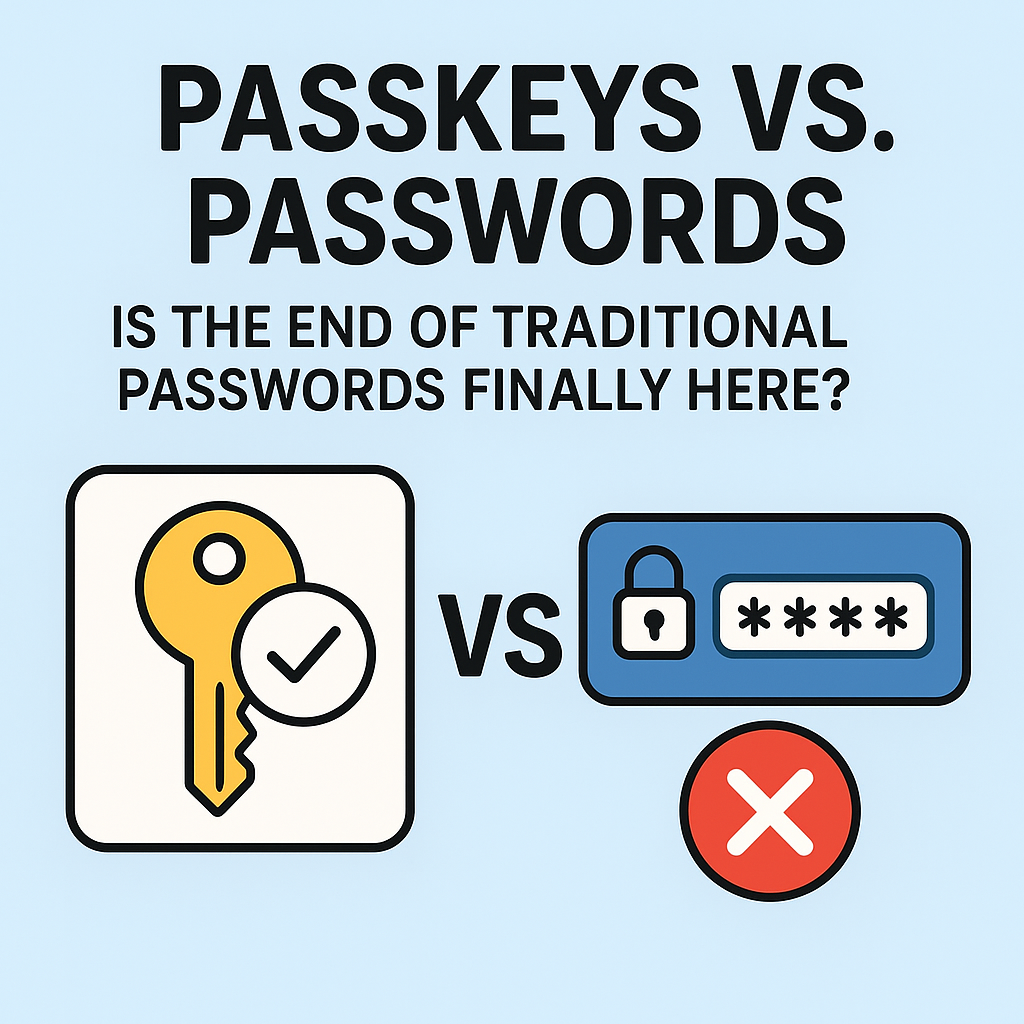
Passkeys vs. Passwords: Is the End of Traditional Passwords Finally Here?
Passwords have been with us for decades. They’re often required at work, at home, and on nearly every website we visit. But in 2026, the limits of traditional passwords are harder to ignore. Huge data breaches, password reuse, phishing scams, and the sheer number of login attempts happening every day have made “just use a strong password” feel more like wishful thinking than real security.That’s where passkeys come in. Backed by modern authentication standards and designed to eliminate the most common password problems, passkeys are quickly becoming the next step in how users sign in. But is this the end of traditional passwords? Not exactly—and not all at once. The transition will be gradual, uneven, and full of technical and practical considerations. Still, the direction is clear: passkeys represent a more secure and more convenient authentication future, and they’re gaining momentum across major platforms.
Why Passwords Keep Failing (Even When People Try)
To understand whether passwords are truly nearing the end, you have to understand why they’ve struggled to meet modern security expectations.
1) Password reuse is basically unavoidable
Most people reuse passwords across multiple services because they’re human, busy, and tired. When one site suffers a breach, attackers try the same credentials on other sites—often with surprising success.
2) Phishing still defeats many “strong password” strategies
A strong password doesn’t protect you if a phishing site tricks you into entering it. Attackers don’t need to guess or crack a password—they just need you to type it.
3) Breaches turn stored password hashes into a problem
Even when passwords are stored as hashes, attackers can still use stolen hashes and attempt to crack them offline. Weak passwords fall quickly. Strong ones sometimes survive, but not always—especially if users reuse or choose predictable patterns.
4) Managing passwords is a daily friction
From remembering rules (uppercase, numbers, special characters) to dealing with password resets, the password era creates friction that pushes people toward unsafe habits.In short: passwords fail both from a security perspective and from a usability perspective. Any authentication method that can solve both at once has a clear advantage.
What Are Passkeys?
Passkeys are a passwordless sign-in method that relies on cryptography and modern authentication standards (often using the WebAuthn/FIDO2 ecosystem). Instead of typing a secret password into a form, you authenticate using a device credential—usually bound to your smartphone, laptop, or security device.Think of passkeys as “public key cryptography plus user verification.” When you sign in, your device proves you’re the user without sending a password to the service. In many cases, you unlock using biometrics (fingerprint or face ID), your device’s PIN, or a hardware security mechanism.
How Passkeys Work (In Plain English)
Here’s the simplified flow:1) Create: When you register for a service, it generates or records a credential for your device. Your device then creates a cryptographic key pair.2) Store: The private key stays on your device (or within a secure element). The public key is stored by the service.3) Sign in: When you log in, your device uses the private key to cryptographically prove it’s authorized.4) User verification: Your device ensures you are the owner—often via fingerprint, face recognition, or PIN.Because the private key never gets transmitted as a “password,” many traditional attacks become much harder.
Passkeys vs. Passwords: The Core Differences
Passwords
• User memorizes a secret (or stores it in a manager)
• Secret is sent to the site (or used to derive a verification response)
• Phishing is effective because users type secrets into fake forms
• Breaches can lead to cracking or reuse attacks
Passkeys
• No human-memorizable secret
• Authentication uses cryptographic proof
• Phishing resistance is significantly stronger (the fake site can’t easily reuse credentials)
• Credential remains tied to the domain and the correct registration flow
• User verification happens on the deviceIn practice, passkeys aim to remove the “weak link”—the password—while also reducing the need for password resets.
Is This the End of Traditional Passwords?
The short answer: it’s the beginning of the end, but not an immediate removal.Here’s why:
1) Not every account type will migrate at the same speed
Consumer logins may adopt passkeys quickly, but enterprise systems, legacy applications, and older identity providers can take longer. Many organizations will need time to test compatibility and update authentication flows.
2) Some users will need support for recovery
Passkeys reduce certain risks, but they introduce a new question: what happens if you lose access to your device? Good implementations include secure backup, sync options (where appropriate), and account recovery processes that don’t reintroduce weak password-based security.
3) Passkeys require modern infrastructure
Services must support the standards and store credentials properly. Meanwhile, older websites might not be able to accept passkeys immediately.
4) The world isn’t uniform
There are differences across browsers, operating systems, and device ecosystems. Adoption will be uneven—until passkeys become a default in the authentication stack.So, instead of a sudden “password extinction event,” expect a staged transition: passwords fade for new accounts and primary logins, then slowly become optional or restricted as more users and services adopt passkeys.
Are Passkeys Actually More Secure?
For most real-world scenarios, yes. Passkeys can dramatically reduce the attack surface for credential theft. But let’s be precise: no security system is magic, and passkeys are only as strong as their implementation and user setup.
Where passkeys shine
• Phishing resistance: Because passkeys are tied to the domain and use cryptographic challenge-response, attackers can’t simply trick users into giving up reusable secrets.
• Reduced credential reuse: There’s no password to reuse across sites.
• No mass cracking: Attackers don’t get a “password hash list” to crack for offline guessing in the same way.
Where you still need to be careful
• Account recovery matters: If recovery relies on weaker verification, attackers could still take over accounts.
• Device security still matters: Your passkey relies on your device’s ability to verify you (biometrics/PIN) and keep keys secure.
• Operational security: Companies must implement standards correctly to avoid misconfiguration.Think of passkeys as moving security from “memorize and hope” to “cryptography + device trust.” That’s a big upgrade.
What About Users Who Don’t Want Biometrics?
A common misconception is that passkeys require fingerprints or facial recognition. In reality, passkeys can often be unlocked using a PIN or the device’s existing unlock method. That means passkeys can still be accessible even for users who prefer not to use biometrics.Additionally, many systems offer multi-device support, allowing people to use whichever device they trust most.
Passkey Rollout: What to Expect as More Websites Adopt Them
If you’ve started seeing passkeys prompts, you’re not alone. Here’s what the rollout typically looks like:Phase 1: Optional passkeys
Users can add a passkey alongside passwords.
Passwords still exist for compatibility.Phase 2: Passkeys as default
New logins encourage passkeys and make password sign-in less prominent.Phase 3: Passwords become fallback
Some services may allow password-based login temporarily, mainly for recovery or legacy flows.Phase 4: Reduced password reliance
Passwords may remain for certain edge cases, but the primary path becomes passkeys.In a best-case scenario, passwords become an “emergency exit,” not the main door.
For Businesses: Why Passkeys Are Worth the Investment
If you run a website or an organization with a large authentication footprint, the shift to passkeys can bring tangible benefits:• Lower account takeover risk: Fewer phishing and credential stuffing opportunities.
• Reduced help desk load: Less password reset traffic when users authenticate without passwords.
• Improved user experience: Faster, more secure sign-ins—especially on mobile.
• Future-proof authentication: Passkeys align with modern standards and can integrate with platform ecosystems.Adopting passkeys doesn’t mean ignoring all security. Companies still need strong policies, monitoring, and recovery controls. But passkeys can strengthen the foundation.
How to Prepare: Practical Tips for Users
If you want to take advantage of passkeys and reduce risk immediately, here are some practical steps:
1) Enable passkeys on important accounts
Start with email, banking, cloud storage, and password manager accounts—anywhere credential theft would be catastrophic.
2) Understand your recovery options
Before relying on passkeys, check how the service handles lost devices. Look for backup codes, secondary devices, or a recovery flow that doesn’t undermine security.
3) Keep your device secure
Use a strong device lock (PIN/biometrics), update your OS regularly, and be cautious with malware—because passkey security depends on device trust.
4) Don’t ignore account settings
Even with passkeys, review connected devices, notifications, and any recovery emails or numbers.
Common Myths About Passkeys (Quick Clarifications)
Myth: “Passkeys are just passwords in disguise.”
No. Passkeys rely on cryptographic proofs and device-bound credentials rather than a memorized secret entered into a form.
Myth: “Phishing will still work the same way.”
Traditional credential phishing is less effective. Attackers can’t easily reuse passkeys like passwords, and modern flows are designed to be resistant to many phishing patterns.
Myth: “Passkeys lock you into one device forever.”
Many platforms offer sync across trusted devices, but policies vary. Always confirm how the service handles multi-device use and recovery.
So, Are Passwords Finally Dead?
Traditional passwords aren’t dead—yet. But the era of passwords as the default, primary method of authentication is increasingly challenged. Passkeys offer a path toward better security and better usability by replacing human-memorable secrets with cryptographic authentication anchored to trusted devices.The most realistic forecast is this: passwords will shrink into a fallback role. As passkeys become widely supported by browsers, operating systems, and services, users will spend less time resetting passwords and more time signing in securely with a single tap.In other words, the end of traditional passwords is coming—not as an overnight switch, but as a steady migration to a stronger system. And if you start enabling passkeys today, you’ll be ahead of the curve.
Conclusion: The Future Looks Passkey-First
Passkeys are not just a new feature—they’re a different approach to identity verification. They help address the biggest flaws in the password model: phishing exposure, credential reuse, and the burden of memorization. While the transition will take time and will require thoughtful recovery and interoperability planning, the momentum is real.So, is the end of traditional passwords finally here? The signs point to yes—at least for the “default” password experience. The next chapter of authentication will likely be passkey-first: safer for users, less frustrating for everyone, and far better aligned with modern security threats.