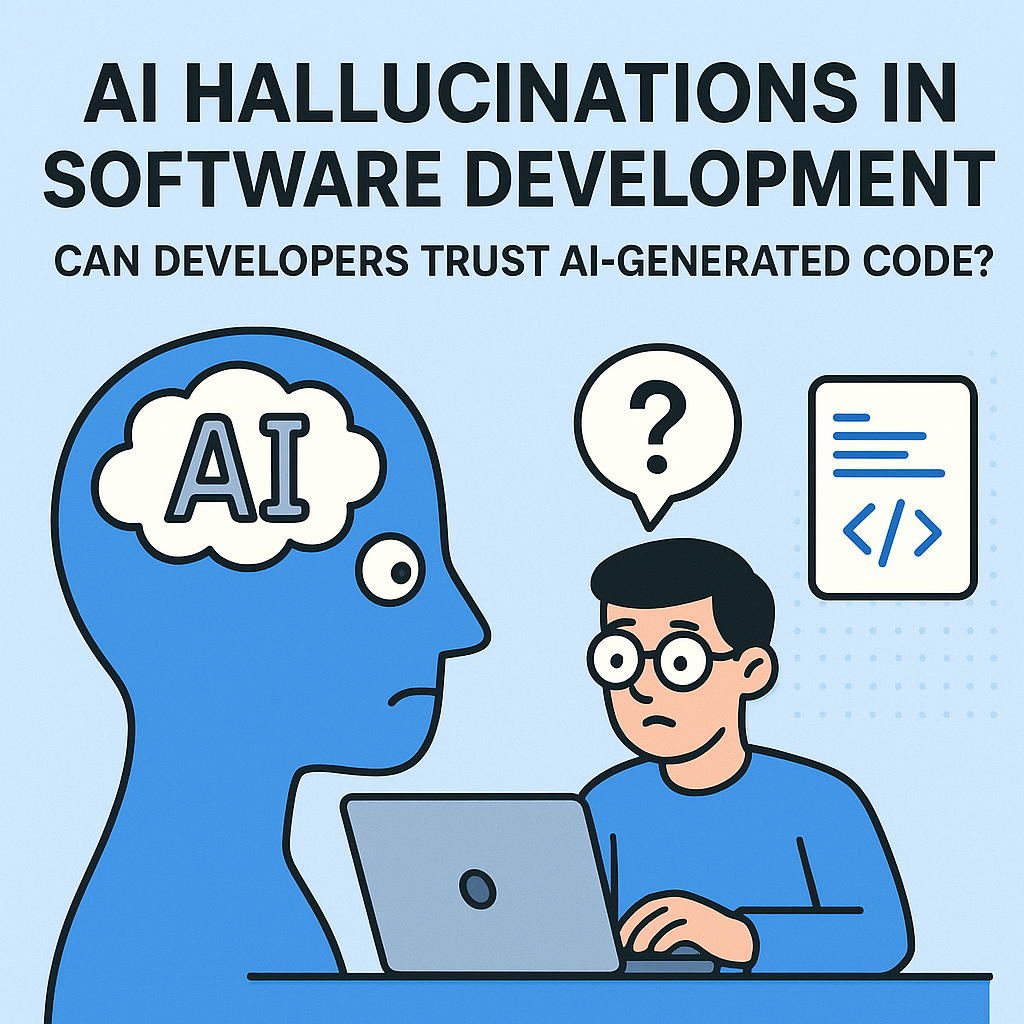
AI Hallucinations in Software Development: Can Developers Trust AI-Generated Code?
AI has quickly become a daily tool for many software teams. Developers use AI assistants to write boilerplate code, generate unit tests, suggest refactors, and even help debug tricky bugs. But there’s a dark side to this convenience: AI hallucinations—confident answers that are wrong, misleading, or fabricated. When the output is code, a “minor mistake” can become a production incident.So the question is not simply “Can AI write code?” It can. The real question is: Can developers trust AI-generated code? To answer, we need to understand what hallucinations are, why they happen in coding assistants, what their risks look like in real projects, and what practical workflows can reduce the damage.
What Are AI Hallucinations?
An AI hallucination occurs when a model generates an output that appears plausible but is incorrect. In natural language, this might mean inventing a citation or describing events that didn’t happen. In software development, hallucinations often appear as:
Non-existent APIs (calling functions/classes that don’t exist in the target library)
Incorrect syntax or semantics (code that runs but does the wrong thing)
Faked error explanations (explaining why something fails without actually inspecting the cause)
Confident but incomplete logic (missing edge cases or security checks)
Fabricated documentation details (misstating parameters, return types, or behavior)
It’s important to understand that hallucinations aren’t always random. Models can repeatedly produce systematic mistakes—especially when they lack the right context (your repo, your environment, your version of a library) or when they predict “what code should look like” rather than “what code is correct.”
Why Hallucinations Happen in Code Assistants
Most modern coding assistants are trained on massive corpora of text and code. They learn patterns: common ways developers write functions, typical error-handling styles, and frequently used APIs. When you ask them for code, they predict the most likely continuation.This means the model is optimizing for plausibility and helpfulness, not for ground-truth correctness. Without direct access to your running system, your database schema, your build configuration, or your exact library versions, the model often has to guess.Key reasons hallucinations occur:
Training-data mismatch: Your project uses libraries or versions not represented (or differently represented) in the model’s training data.
Missing context: If you don’t provide constraints, the model fills gaps with assumptions.
Overgeneralization: The model may generalize from “similar code” and produce something that looks right but isn’t.
Long-chain reasoning fallacy: Multi-step tasks can compound errors—each step might look reasonable, but the full logic fails.
Ambiguous requirements: If you only say “make it fast” or “secure it,” the model may pick a common approach rather than your intended one.
Why This Matters More in Software Development Than in Text
In essays or chat responses, a hallucination might just waste time. In code, hallucinations can create:
Silent logical errors (the code runs and passes tests but behaves incorrectly for edge cases)
The scariest category is not the code that crashes—those are easy to detect. It’s the code that looks correct, compiles, and even passes superficial tests, but fails under real-world conditions.
Common Hallucination Patterns in AI-Generated Code
1) Invented Functions and APIs
One of the most frequent issues is the model producing calls to methods that don’t exist. For example, an assistant might suggest:db.getUserByEmail(email)…but your ORM might use a completely different method (or different naming conventions). Sometimes the method exists in another library or version, causing runtime errors.
2) Incorrect Assumptions About Libraries
Even if the API exists, the model might misunderstand argument types, defaults, or behavior. Example: it might treat an async function as synchronous, or assume a promise resolves to a certain shape.
3) Security “Looks Right” Code That Isn’t
AI code can appear secure—sanitizing input, using parameterized queries, or hashing passwords. But hallucinations can sneak into subtle details: using the wrong hashing parameters, forgetting to enforce role checks, or logging sensitive data.
4) Broken Tests That Confirm the Wrong Thing
Generated unit tests can also hallucinate. A test might:
Mock the wrong dependency
Assert the wrong behavior
Use fixtures inconsistent with your real database schema
Result: tests pass, but the production bug remains.
Can Developers Trust AI-Generated Code?
The honest answer is: Yes—with the right guardrails. You can trust AI-generated code only to the extent that it is verified by tools, tests, and human review. Treat AI output like a junior developer’s pull request: potentially valuable, often fast, and always requiring validation.Trust is not binary. Think of trust as a spectrum across tasks:
High trust (after verification): repetitive boilerplate, straightforward utilities, documentation, refactors with strong automated coverage.
Medium trust: feature code with some complexity, new integrations, performance tweaks.
Low trust (unless heavily validated): security-critical logic, authorization/authentication, data migrations, concurrency-sensitive systems, and anything touching money, identity, or compliance.
Practical Strategies to Reduce Hallucination Risk
If you want to use AI effectively without getting burned, build a workflow that forces correctness. Here are proven approaches:
1) Require Compilation and Static Checks
Never accept AI code without running your standard toolchain: linting, type checking, formatting, and compilation. If the code doesn’t compile or fails static analysis, it’s not ready.For typed languages, type errors are a powerful filter. For JavaScript/TypeScript, enable strict settings. For Python, use type hints and run linters like Ruff or mypy.
2) Add Tests That Cover Edge Cases
AI can help generate tests, but you should curate them. Focus on:
Also, don’t just test “happy paths.” Hallucinations thrive there because the model often matches common examples.
3) Use “Ask for the Diff” and Review Like a Pro
Instead of asking the model to write everything from scratch, ask it to propose changes to existing code. Then review the diff. This gives you a tighter feedback loop and less room for imaginary assumptions.When reviewing, scan for:
4) Provide Context: Repo, Interfaces, and Constraints
The best antidote to hallucinations is context. Provide the model with:
Your function signatures or interface definitions
Relevant files (or at least key parts)
Library version constraints
Your expected behavior in edge cases
For example, specify the exact ORM, framework version, and how errors should be handled. The more constraints you provide, the less the model has to guess.
5) Use Retrieval Tools (Not Just “Free-Form” Generation)
Many teams combine AI with retrieval (RAG) that pulls documentation, internal code, or API definitions. This reduces the “invented API” problem because the model can ground its output in your actual references.If your setup doesn’t support retrieval yet, you can still reduce hallucinations by pasting the relevant code excerpts into the prompt.
6) Run Integration and End-to-End Tests
Unit tests catch some issues. But integration tests catch the “it works in isolation” trap. If AI code touches external systems (APIs, message queues, databases, auth providers), require at least:
Integration tests
Staging environment runs
Contract tests where applicable
How Teams Can Create an “AI-Safe” Development Policy
To make AI sustainable at scale, teams should adopt clear policies. A simple policy might include:
AI code must pass CI (build + tests + lint + security scans).
Security-sensitive changes require human approval and threat modeling review.
AI output must be traceable (link prompt, model version, and generated artifacts).
Track incidents involving AI-generated code to improve prompts and guardrails.
In other words: treat AI as an accelerant, not an authority.
What to Do When You Suspect Hallucination
Sometimes you’ll see signs:
The code uses unexpected patterns or libraries you don’t use.
Tests pass but behavior is off.
Error messages look fabricated or overly generic.
Authorization logic seems missing or inconsistent.
In those cases, debug like you would with any bug, but be extra careful about assumptions. Steps:
Read the code and verify invariants.
Confirm API behavior with official docs (or local exploration).
Add targeted tests to validate the suspected logic.
Reduce the change set: ask the AI to explain the logic step-by-step, then verify each claim.
The Future: From “Trust Me” to “Prove It”
AI coding assistants are improving quickly. But hallucinations are not going away entirely because language models still predict text, not reality. The likely future is a shift from “generate code” to “generate code + verification.”We’ll see more tooling that:
Automatically runs tests and updates prompts based on failures
Uses static analysis and formal methods where feasible
Validates API calls against schemas
Detects risky security patterns automatically
In that world, “trust” becomes less about believing the model and more about verifying the output.
Conclusion: Trust AI Code, But Verify It Like Your Job Depends on It
AI hallucinations in software development are real—and when AI generates code, the risk is not theoretical. Developers can leverage AI to move faster, but they should not treat AI as an infallible source of truth.The safest mindset is simple: Use AI to draft, and verify to decide. Let compilation, linting, tests, integration checks, security scans, and human code review do the heavy lifting. With the right guardrails, AI-generated code can be a powerful productivity boost instead of a liability.Ultimately, the question “Can developers trust AI-generated code?” has a modern answer: Trust the process, not the prediction.If you’d like, tell me your stack (e.g., JavaScript/TypeScript, Python, Java, .NET), and I can tailor a checklist of best practices and AI-safe workflows specific to your environment.